After 100 days running 50 AI agents in production, these are the architecture choices that held up and the ones I would repeat.
One hundred days ago, I deployed the first version of Ayla OS. Fifty AI agents, 30 cron jobs, a six-layer memory system, and more architectural opinions than I could defend at the time.
Some of those opinions turned out to be right. A few turned out to be wrong. And several that I was uncertain about proved essential.
This is not a comprehensive retrospective. I wrote the month-three update a few weeks ago. This is specifically about architecture decisions: which ones I would make again without hesitation, and why they held up under the pressure of daily production use.
I chose PostgreSQL over every purpose-built AI database, vector-only store, and NoSQL option available. Not because Postgres is trendy for AI workloads (it was not, at the time). Because I know it deeply from 25 years of building systems, and a database you understand is worth more than a database with better benchmarks.
After 100 days, this decision has been validated repeatedly. Postgres handles my vector search (via pgvector), my structured data (agent state, task queues, conversation logs), and my operational analytics (cron job history, health metrics). One database. One backup strategy. One set of connection pools. One monitoring dashboard.
The teams I see struggling with agent infrastructure are often running three or four databases: Pinecone for vectors, Redis for state, Mongo for logs, Postgres for business data. Every integration point is a potential failure mode. Every database has its own deployment, backup, and scaling concerns.
Could a dedicated vector database outperform pgvector on pure similarity search at massive scale? Probably. But I am not running at massive scale. I am running 50 agents that query a few hundred thousand memory entries. At this scale, pgvector on properly indexed Postgres returns results in under 50 milliseconds. That is fast enough that the network round trip matters more than the query time.
I would choose Postgres again without a moment of hesitation.
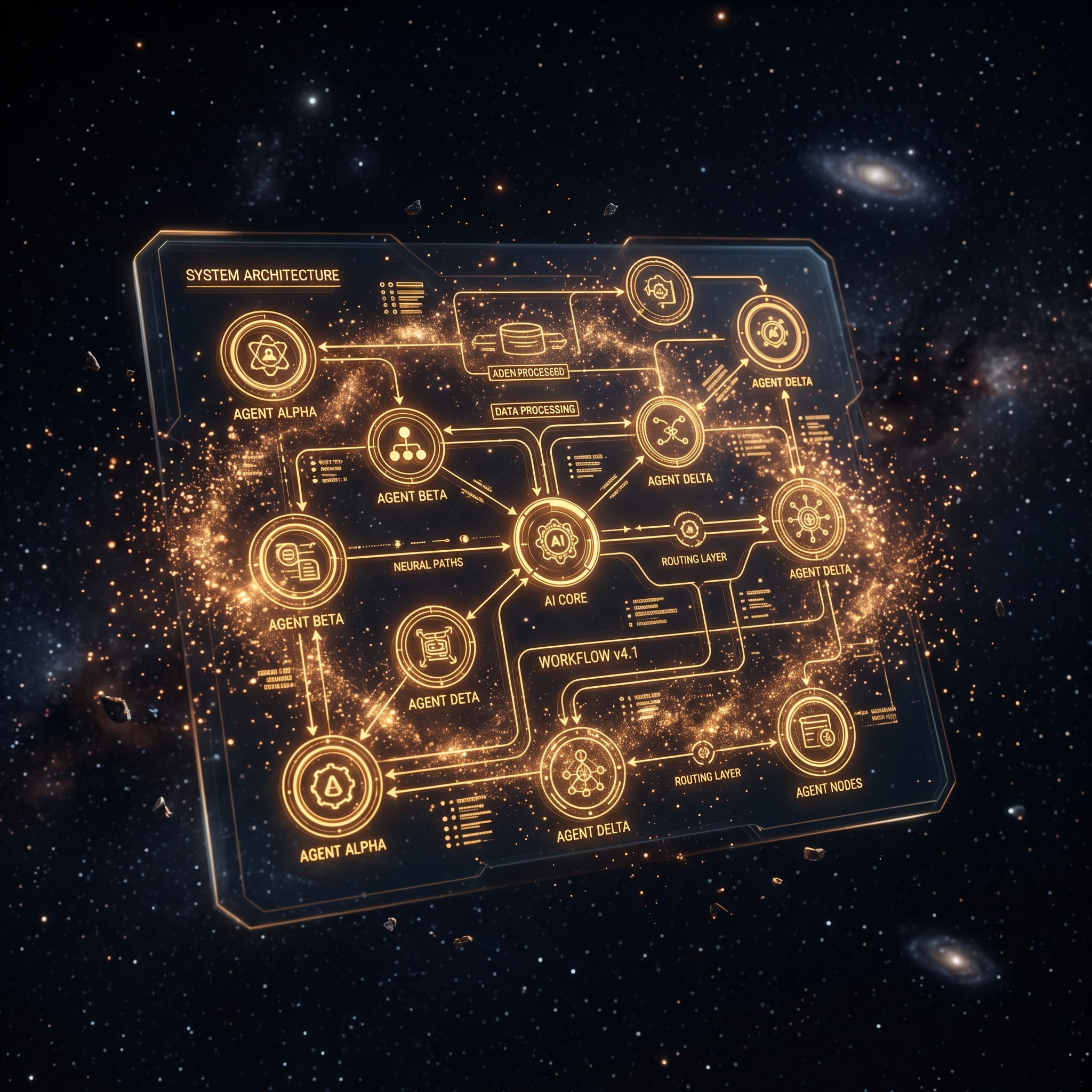
The exact architecture, memory layers, and delegation patterns I use to run 50 agents across two businesses.
Get the AI Agent Blueprint →Every agent in the system does one thing well. The research agent researches. The content agent writes. The orchestrator routes. No agent tries to be everything.
The temptation to build a general-purpose super-agent was strong at the beginning. Why maintain 50 specialized agents when one smart agent could handle everything? The answer became clear within the first week of production: context efficiency.
A specialized agent carries only the instructions, tools, and memory relevant to its domain. The research agent’s context includes search tools, source evaluation criteria, and research methodology. It does not include content style guides, publishing tools, or social media scheduling logic. This keeps the context lean, which keeps the output quality high.
General-purpose agents degrade predictably. As you add more capabilities, the context fills with instructions the agent does not need for the current task. The model’s attention spreads across irrelevant information. Response quality drops. You start seeing the research agent accidentally format output like a blog post because the content creation instructions bled into its behavior.
Maintaining 50 agents is more operational work than maintaining one. But the quality difference is not marginal. It is categorical. I would make this decision again.

A single orchestrator agent sits at the top of the hierarchy. It receives all incoming tasks, decides which agent should handle them, formats the brief, dispatches the work, and tracks completion. No agent talks to another agent directly. Everything routes through the orchestrator.
This was the decision I was least confident about at deployment. A hub-and-spoke model introduces a single point of failure. If the orchestrator goes down, the entire system stops. Peer-to-peer communication between agents would be more resilient.
After 100 days, I am convinced the orchestrator model is correct for my scale. The benefits outweigh the single-point-of-failure risk.
Observability. Every task flows through one point. I can see the entire system’s workload, routing decisions, and completion status from the orchestrator’s logs. In a peer-to-peer model, understanding system behavior requires aggregating logs from every agent.
Routing intelligence. The orchestrator learns which agent performs best for which type of task. It can reroute work when an agent is overloaded or failing. This intelligence is centralized and easy to tune. In a peer-to-peer model, routing logic is distributed and harder to coordinate.
Error containment. When an agent fails, the orchestrator detects it and can retry, reroute, or escalate. In a peer-to-peer model, the calling agent needs to handle the failure, which means every agent needs error handling logic for every other agent it communicates with.
The single point of failure risk is mitigated by the orchestrator’s simplicity. It does not do heavy computation. It routes, tracks, and reports. The failure modes are limited, and recovery is fast: restart the process and it picks up from the last checkpoint.
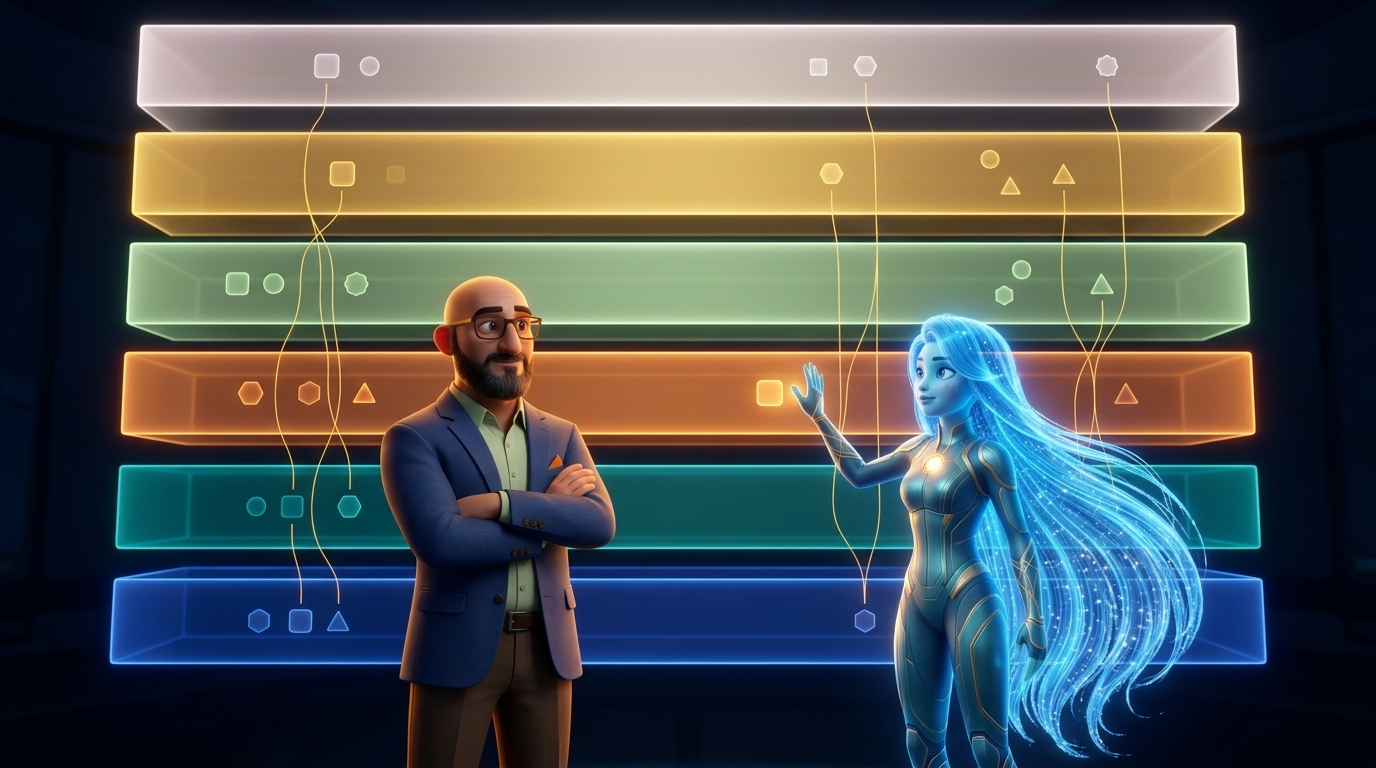
The memory system has six layers, from always-loaded context (Layer 1, under 4KB) to full document retrieval (Layer 6, MegaRAG). Each layer trades immediacy for depth.
Was six layers overengineered? I asked myself this constantly during the build. Why not three layers: immediate context, vector search, and document storage?
The answer emerged in production. Different memory needs have different latency and relevance requirements.
Layer 1 (always loaded) must be tiny and universally relevant. It contains identity, rules, and critical operational context. Every token here is read on every single turn, so waste is expensive.
Layer 2 (auto-memory) contains learned patterns and preferences. It loads automatically but not on every turn. It is bigger than Layer 1 but still curated.
Layer 3 (vector search) handles “what do I know about X?” queries. Relevant for specific tasks, not for every turn.
Layer 4 (shared context) handles inter-agent knowledge. When one agent learns something that others need, it goes here.
Layer 5 (semantic file index) handles “which document discusses X?” queries. Heavier than vector search, more precise for document-level retrieval.
Layer 6 (document RAG) handles full document comprehension. When an agent needs to understand an entire PDF or specification, Layer 6 processes it.
Collapsing any two adjacent layers would have created gaps. I tried running with four layers during testing (merging 2 into 1 and 5 into 6) and the result was either bloated always-on context or poor retrieval for document-level queries.
Six layers is the right number for this system. I would build it the same way.
The system’s recurring operations run on cron jobs, not event-driven architectures. Thirty jobs at fixed intervals: health checks every two hours, memory consolidation nightly, briefings every morning, content scheduling three times per week.
Event-driven architectures are technically more elegant. React when something happens rather than checking on a schedule. But event-driven systems are harder to debug, harder to monitor, and harder to reason about when things go wrong.
Cron is predictable. Job X runs at time Y. If it did not produce output at time Y, something failed. The debugging surface is small: check the job configuration, check the execution log, check the agent that was invoked. With event-driven systems, you first need to determine whether the event fired, then whether it was received, then whether the handler processed it correctly.
I have added two event-driven triggers (for urgent Telegram messages and critical alerts), but the backbone is cron. I would not change this.
Not everything held up. Two choices that I would revisit.
Agent spawning method. I spawn agents as separate processes via shell scripts. This works but creates overhead: each agent loads its full context from scratch, including reading state files and querying memory. A pool-based approach where agents stay warm between tasks would reduce spawn latency from 5 to 8 seconds to under a second. I have not rebuilt this yet because the current approach is simple and reliable. But at scale, the spawn overhead adds up.
Log structure. I started with unstructured text logs and migrated to structured database logging after month one. Starting with structured logging from day one would have saved the migration effort and given me better analytics from the beginning. If you are building a multi-agent system, log to a database from the start. Text files are fine for debugging but terrible for analysis.
Looking at these decisions as a group, a pattern emerges. The choices that held up share three qualities: they prioritize simplicity, they use mature technology, and they optimize for debuggability over elegance.
Postgres over specialized databases. Specialization over general purpose. Hub-and-spoke over peer-to-peer. Cron over event-driven. In every case, the option I chose was the one that was easier to understand, easier to debug, and easier to explain to someone else.
This is not a coincidence. Production systems fail. When they fail, you need to find the problem and fix it quickly. Elegant architectures that are hard to debug cost more in downtime than simple architectures that are easy to reason about.
The blueprint includes the architecture diagrams, memory layer configurations, and cron job templates from Ayla OS.
One hundred days is enough to validate the foundations but not enough to declare victory. The architecture will continue to evolve. But the core decisions, the ones I would make again, give me confidence that the evolution will be incremental rather than revolutionary. The foundation holds.

Subscribe to The Signal
One issue per week. The biggest AI build of the week, the top five videos worth your time, and an operator's read on what actually matters. For builders who ship, not dreamers who scroll.
No spam. Unsubscribe anytime. Just The Signal.