
Three months into building a 50-agent AI operating system. Here's an honest look at what failed, what worked, and what I did not expect.
Three months ago I started building Ayla OS, an operating system layer on top of Claude Code that runs 50 AI agents and 30 cron jobs. Month one was pure adrenaline. Month two was refinement. Month three was the part nobody writes about: the breaking.
Not catastrophic failure. The slow, annoying kind where things that worked in isolation start conflicting at scale.
Here is an honest accounting.
Memory collisions. I have a six-layer memory system. Layer one is always-loaded context. Layer three is vector search across agent memories. Layer four is shared context in Postgres.
When two agents wrote conflicting information to the same memory layer within minutes of each other, the system had no conflict resolution. Agent A would write “Client X prefers weekly reports” and Agent B would write “Client X asked for monthly reports.” Both were true at different points in the conversation. The system kept whichever wrote last.
I lost half a day debugging a client communication that referenced the wrong reporting cadence. The fix was adding contradiction detection to the memory consolidation process. When conflicting entries exist, they get flagged for my review instead of silently overwriting.
Cron job cascade failures. Thirty cron jobs running on overlapping schedules. Job A collects data. Job B processes it. Job C reports on it. When Job A took longer than expected (a slow API response), Job B started processing stale data. Job C reported based on that stale data. I got a morning briefing that was confidently wrong.
The fix was adding dependency chains so Job B waits for Job A to complete instead of running on a fixed schedule. Simple in concept. Took two full days to implement across all the interdependent jobs because I had not documented the dependencies properly.
Context window exhaustion. This was the most frustrating issue. Claude Code has a context window. When my orchestrator agent accumulated too many tool calls and responses in a single session, it started losing track of earlier instructions. Not forgetting exactly. More like the earlier context became noise rather than signal.
I noticed this when the orchestrator started making decisions that contradicted its own guidelines from the same session. The fix was aggressive session management: clearing context after 40 turns and writing state to disk before the reset. The state file becomes the starting point for the fresh session.
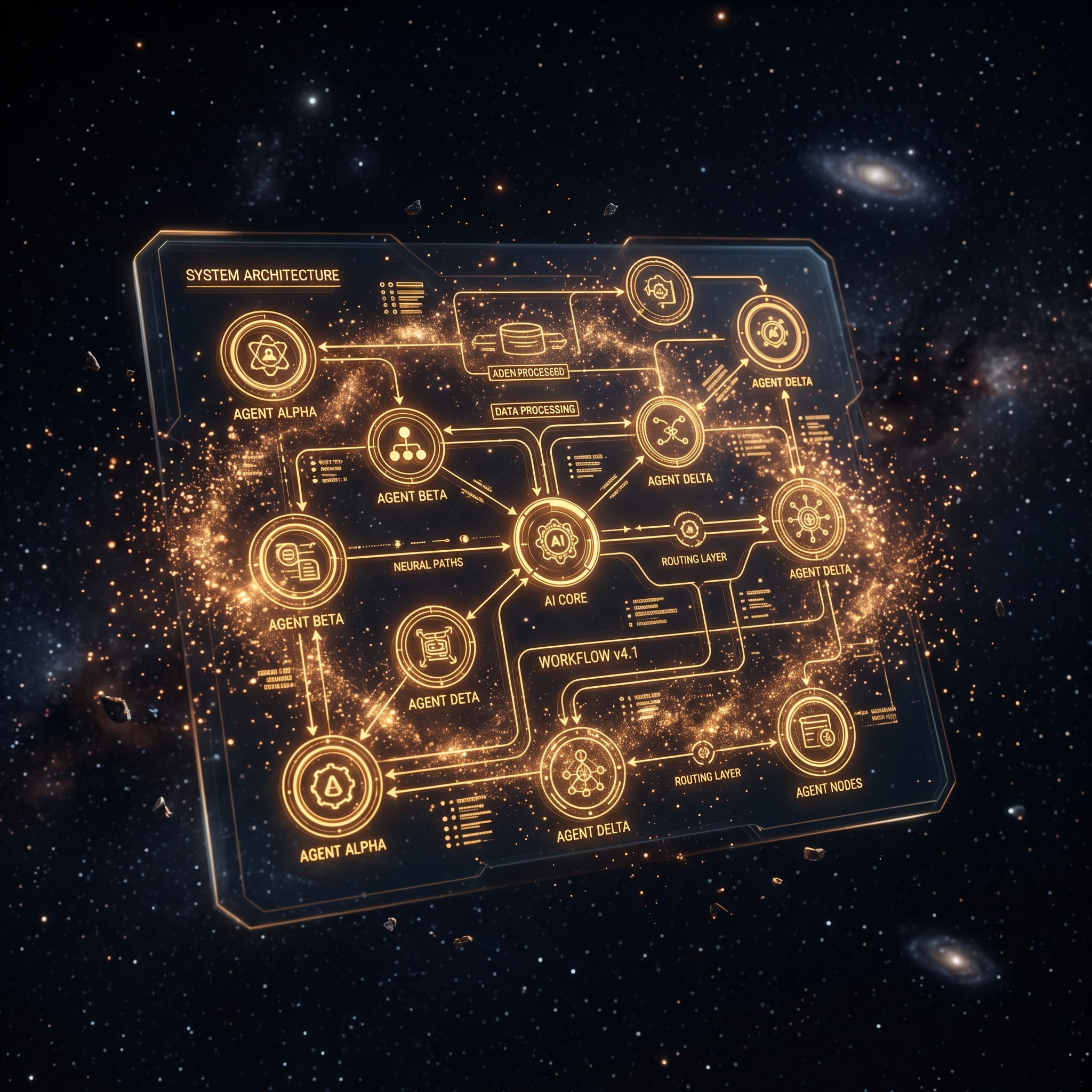
The exact architecture, memory layers, and delegation patterns I use to run 50 agents across two businesses.
Get the AI Agent Blueprint →Agents developing specialization. This sounds more dramatic than it is. The agents are not learning in the traditional sense. But as I refined each agent’s prompt, tools, and memory access over three months, they started producing output that was noticeably better in their specific domain.
The research agent, for example. Month one output was generic web searches with summaries. Month three output includes cross-referencing multiple sources, flagging contradictions between them, and presenting findings in the format I prefer without being asked. The difference is not the model getting smarter. It is the accumulated refinement of the agent’s configuration.
The value of boring automations. The flashy agents get attention. The research agent. The content pipeline. The intelligence system. But the automation that saved me the most time over three months was the morning briefing cron job.
Every morning at 6:30, an agent reviews overnight emails, pending tasks, calendar for the day, and any system alerts. It produces a one-page summary. I read it with coffee. By the time I sit at my desk, I know the state of everything without checking five different tools.
That single automation saves me 30 minutes every morning and eliminates the anxiety of “what did I miss while I was asleep?”
How much ops work 50 agents require. I expected the maintenance burden to be low. Build the agents, configure them, let them run. The reality: I spend roughly two hours per week on agent maintenance. Updating prompts. Fixing edge cases. Adjusting schedules. Reviewing error logs.
Two hours per week across 50 agents is not bad. But it is not zero. And it scales linearly. If I add another 50 agents, I should expect another two hours per week.

Month three numbers, because building in public means showing the real data.
Agent task volume. 3,200 tasks completed across all agents. Roughly 107 per day. Most are small: check this, summarize that, send this notification. About 15% are substantial: research projects, content drafts, analysis reports.
Error rate. 4.2% of tasks required manual intervention. Down from 11% in month one. Most errors are edge cases the agents have not seen before rather than bugs in the system.
Time saved. My estimate is 25 to 30 hours per week of work that would have required my direct involvement. This is not precise because some of the work the agents do is work I would not have done manually. I would have just skipped it. But the work that maps to things I previously did by hand, the savings are real.
Cost. Infrastructure plus API costs: roughly $400 per month. This is the cost of running the AI models, the database, the servers, and the various services the agents interact with. It does not include my time building and maintaining the system.
At 25 hours saved per week and $400 per month cost, the math works. Even at a conservative hourly rate for my time, the return is significant.
If you are building a multi-agent system, here is what I wish I knew three months ago.
Document your dependencies. Every agent that depends on another agent, every cron job that depends on another cron job, draw the diagram. You will need it the first time something breaks and you cannot figure out what caused it.
Build contradiction detection early. If multiple agents write to shared memory, they will eventually disagree. Have a system for detecting and resolving conflicts before it causes downstream problems.
Aggressive context management. Do not trust long sessions. Write state to disk frequently. Clear context before it degrades. The cost of reloading context is much lower than the cost of an agent that slowly loses coherence.
Track your error rate. A system that works 95% of the time feels great until you realize that 5% is 150 tasks per month that went wrong. Some of those errors will be invisible until someone downstream notices the bad output.
Month four goals: reduce error rate to under 3%, add automated testing for the most critical agent workflows, and start documenting the architecture properly instead of keeping it in my head.
The newsletter includes the monthly numbers and detailed architecture decisions.
Three months in. Still building. Still breaking things. Still convinced this is the right approach. The system is not perfect, but it is getting better every week, which is more than I can say for any other tool I have tried.

Subscribe to The Signal
One issue per week. The biggest AI build of the week, the top five videos worth your time, and an operator's read on what actually matters. For builders who ship, not dreamers who scroll.
No spam. Unsubscribe anytime. Just The Signal.